Overcommitting of Coefficients
This functionality is offered solely on DaDesktop Private Server (DDPS) and DaDesktop On-Premise (DDOP).
As course complexity and processing requirements grow, particularly with nested virtualization or the need to support a greater number of trainee desktops, you may occasionally encounter an error like this:

This alert pertains to CPU, memory, or disk space. Your initial step should be to move your machine(s) to a less busy server or data center, or to scale down resource demands if possible.
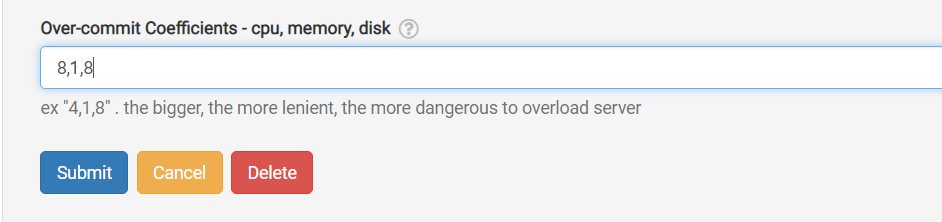
If both options are unfeasible, a quick and simple workaround when the running units only slightly surpass the normal maximum is to temporarily enable over-committing for the CPU, memory, or disk coefficients. This can be performed via the GUI as shown below.
Navigate to /da/admin/servers/all, click the Edit button for your server, then scroll to this section.
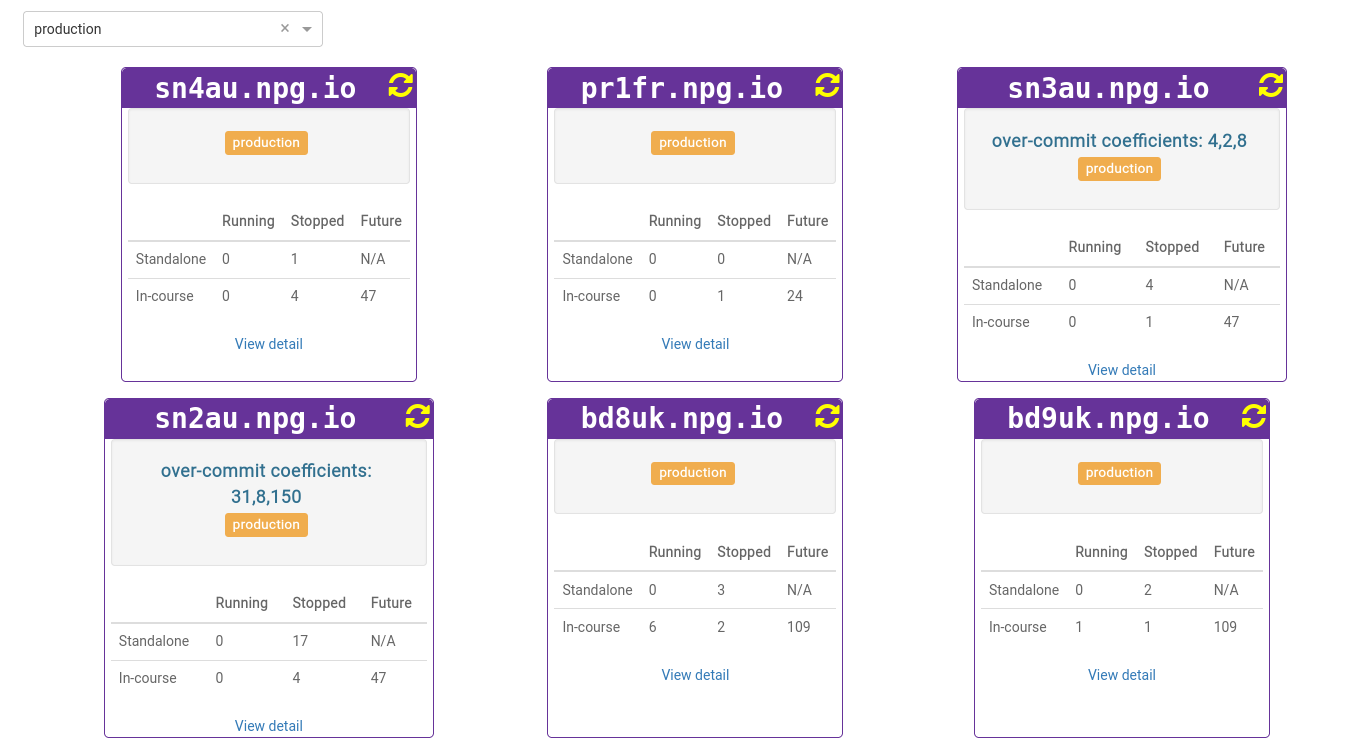
The server listing also displays those servers currently employing overcommitted coefficients here in Hungary. This is handy if you need to remove them after a course concludes, allowing the coefficients to reset to their defaults.
Any adjustments should be viewed as a temporary fix, not a permanent solution to insufficient resources. Modifications made to allow a course to continue must be reverted once the course ends.
DaDesktop On-premise Requirements
The over-committing capability relies on tpapi, a component of the DaDesktop codebase. Tpapi is currently only compatible with Python 3.12, so the required operating system must be at least Ubuntu 23.10.