What Are Fresh-Start, Trainer, Participant, and Standalone Machines?
DaDesktop serves as a sophisticated training platform that offers accessible cloud machines for educational courses, along with administrative tools that simplify handling the desktops for each session.
To achieve this, DaDesktop employs several similar yet distinct Desktop machine variants to support such courses.
Below, you will find an overview of the different machine types in use.
Fresh-Start Machine
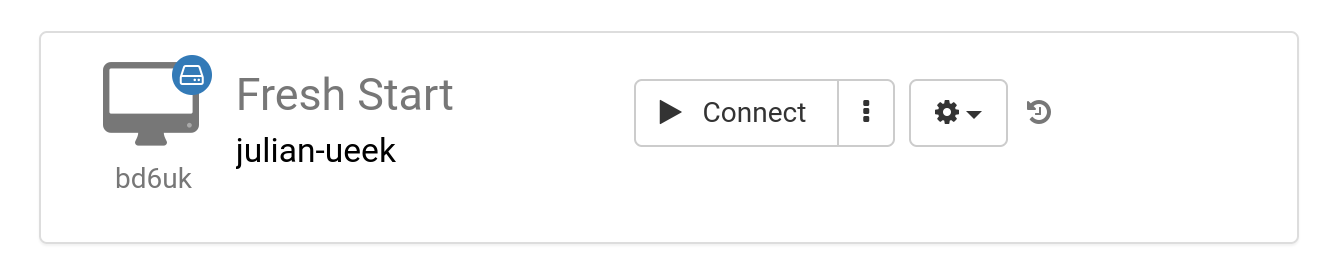
A 'Fresh-Start' represents the machine where the Trainer designs and builds the course content. Once complete, this machine is duplicated onto all Participants' desktops in readiness for their upcoming course. Think of a Fresh-Start as a 'Golden Image' that can be restored if issues arise on either the Trainer's or any Participant's machine.
Trainer Machine
A 'Trainer' machine is employed by the Trainer to deliver the course material to Participants during the session. This machine’s state diverges from the Fresh-Start because the Trainer(s) typically install, configure, and execute software applications and libraries relevant to the course topic as the training progresses.
When multiple Trainers co-lead a course, each will have their own Trainer machine.

Participant Machine
A 'Participant' machine is assigned to each learner during the course, where they can carry out installations, configurations, and exercises under the trainer’s guidance.

Typically, Fresh-Start, Trainer, and Participant machines are automatically removed shortly after the course concludes. This is why an additional machine type exists—unlinked to any course—that can be retained indefinitely: the 'Standalone'.
Standalone Machine
A 'Standalone' machine is not tied to a specific course. As the name suggests, it stands alone, usable before or after a course, or entirely independently of any training. This flexibility makes it especially versatile.

Common scenarios for setting up Standalone desktops include:
- Preparing training materials that can be reused repeatedly beyond a specific course, or stored for future needs.
- When a flexible environment with a different operating system (such as Linux or Windows) is needed to safely experiment with concepts.