Scheduling a Course on Multiple Dates
As you set up a course, you have the option to arrange it across multiple dates. This flexibility lets you tailor the course's availability for attendees, making it easier to fit into your timetable.
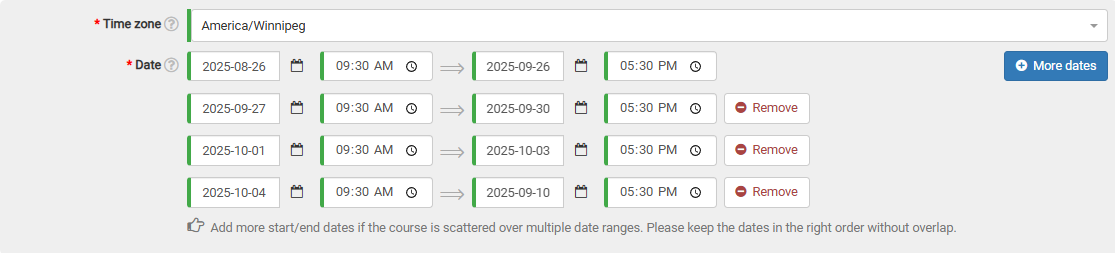
Within the date section of the course creation form, select the "More dates" button. Doing so will add an extra date selection row to the form.

You're free to include as many date intervals as required, provided they don't coincide with one another.
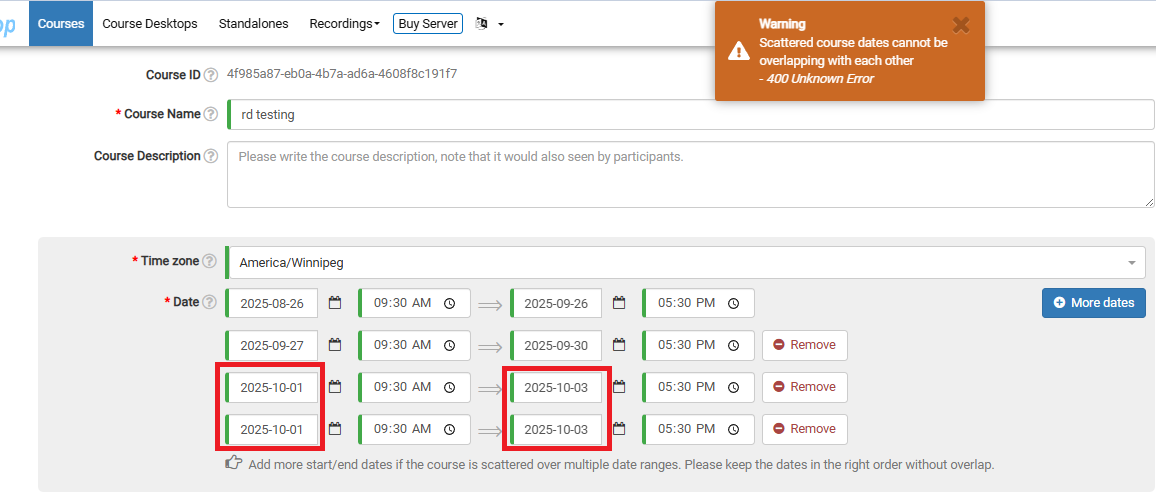
Should any overlap occur, attempting to submit the course will trigger a warning notice at the top of the page. As illustrated below, I've inadvertently selected two identical date spans.