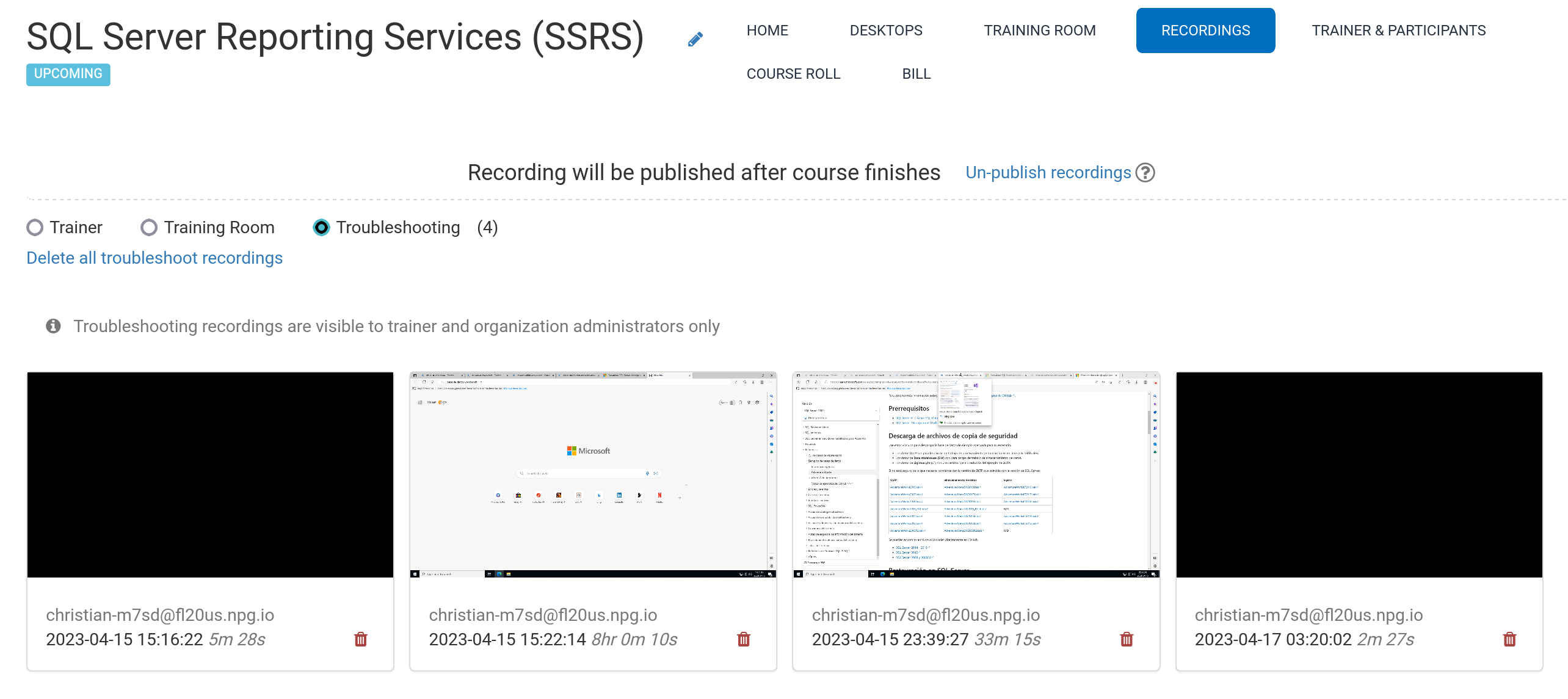
Automated Course Recording (Trainer's Desktop)
Recordings of the Trainer's Desktop and the Training Room (whenever it's utilised during the session) are generated automatically as the course runs.
Press the red button once more to stop capturing.
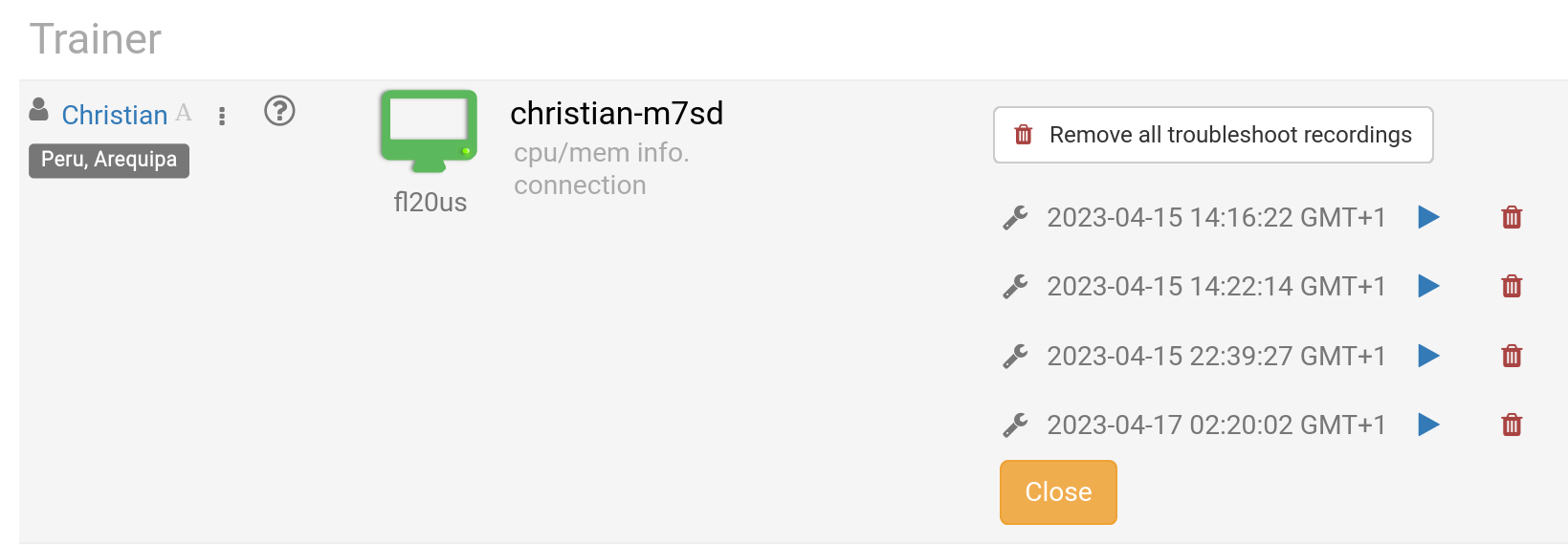
The Trainer can delete any recordings when necessary. Troubleshooting recordings are also automatically produced during course preparation, though they are solely employed for resolving setup issues, should that be needed.
Access your recordings in the Recordings section. They fall into three categories:
- Trainer
- Training Room
- Troubleshooting
Only Trainer and Training Room recordings can be shared outside the system.