Training Room Recording from the Trainer’s Desktop
Trainers have the ability to capture the Training Room session, including every participant’s desktop. This capability is valuable for revisiting course material or reviewing challenges that students faced during the class, aiding in troubleshooting for the trainer’s documentation and for the development support team.
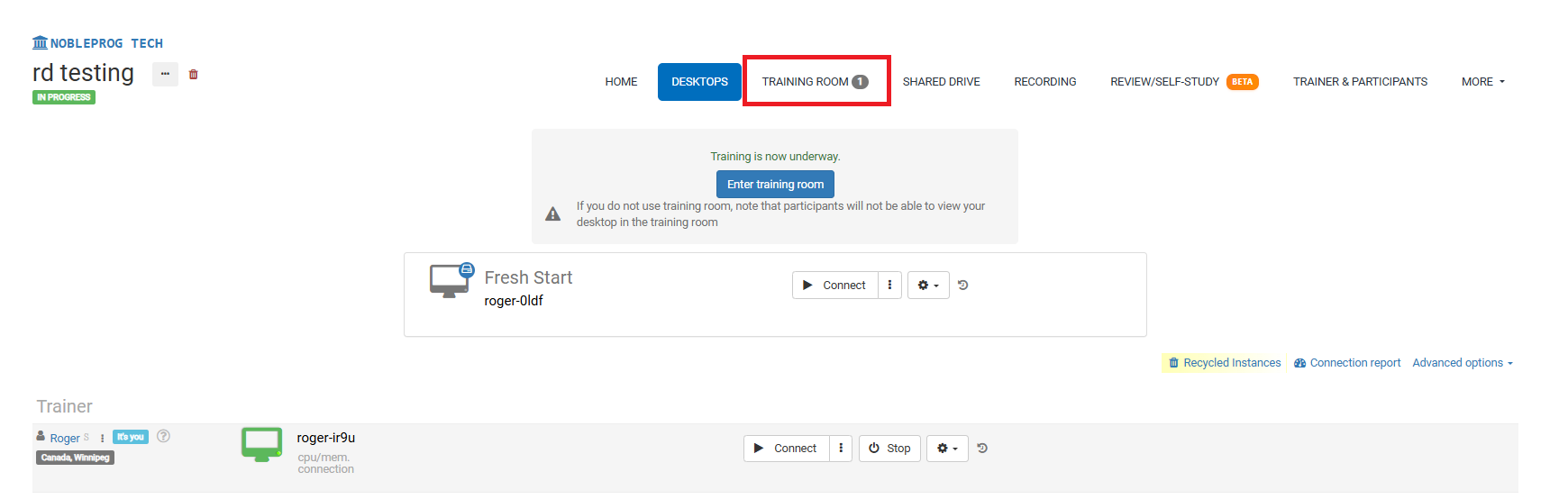
Training Room Layout:
The Recording Button
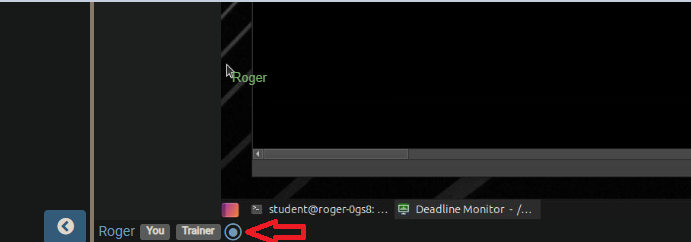
When you're inside the Training Room, find the recording button located at the bottom of the interface, as illustrated in the screenshot below—it appears right next to your name and any user tags.
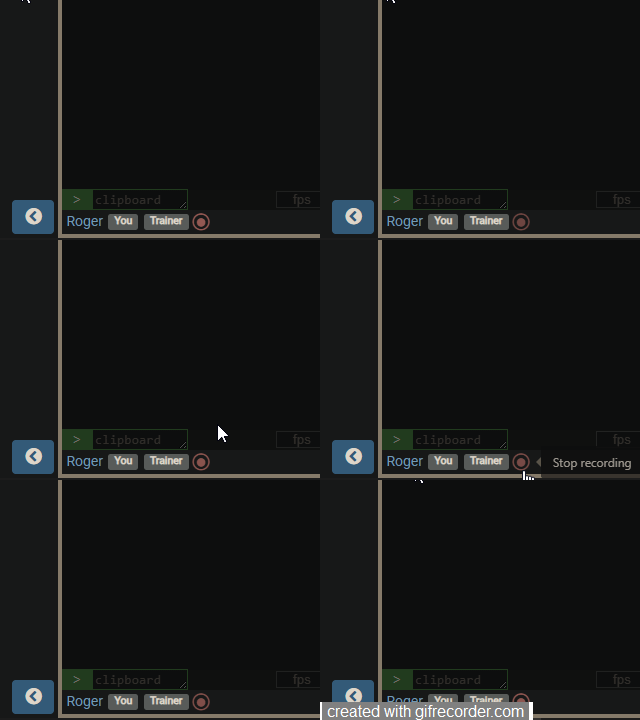
After you enable it, the recording begins, and the button will gently pulse red. To stop capturing, simply click the button once more.
Retrieving Your Recordings
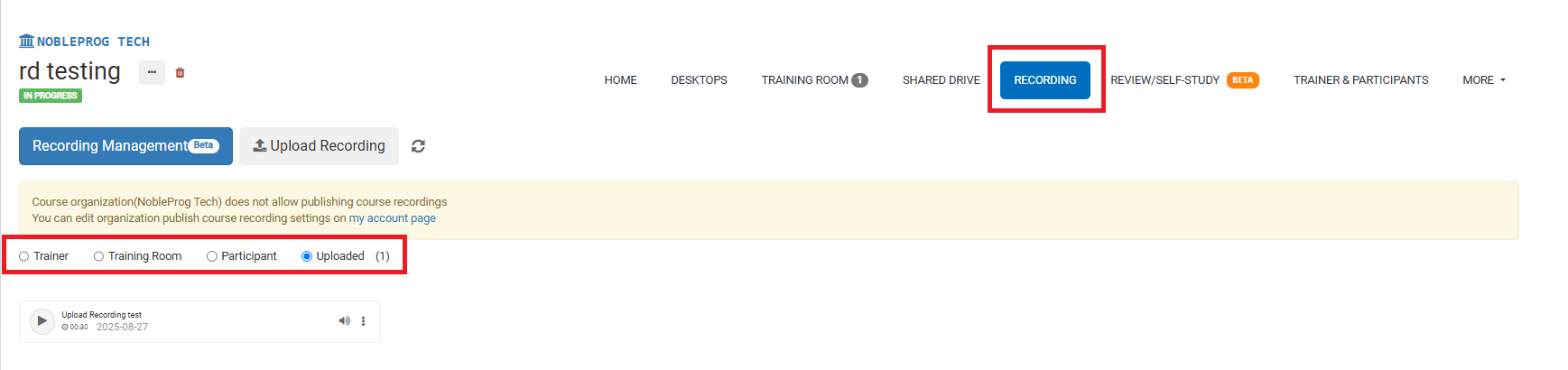
From the course page, you can retrieve all recordings by selecting the `Recordings` tab. After choosing it, you can then pick the recording type you'd like to review.